WordPress backups: the 3-2-1 rule and the restore test
Most site owners think they have backups. Many find out on the day something goes wrong that they are incomplete, too old, stored in the wrong place or impossible to restore. A backup is only worth something if you can restore it when you need it.
What to back up
A WordPress site has two parts, and you need both:
- the database: pages, posts, orders, customer accounts, settings;
- the files: mainly the
wp-contentfolder (uploaded images, theme, plugins) and thewp-config.phpfile.
WordPress core itself can be reinstalled in seconds. Backing up only the files, or only the database, is not enough to rebuild the site.
The 3-2-1 rule
It is the basic rule of backups:
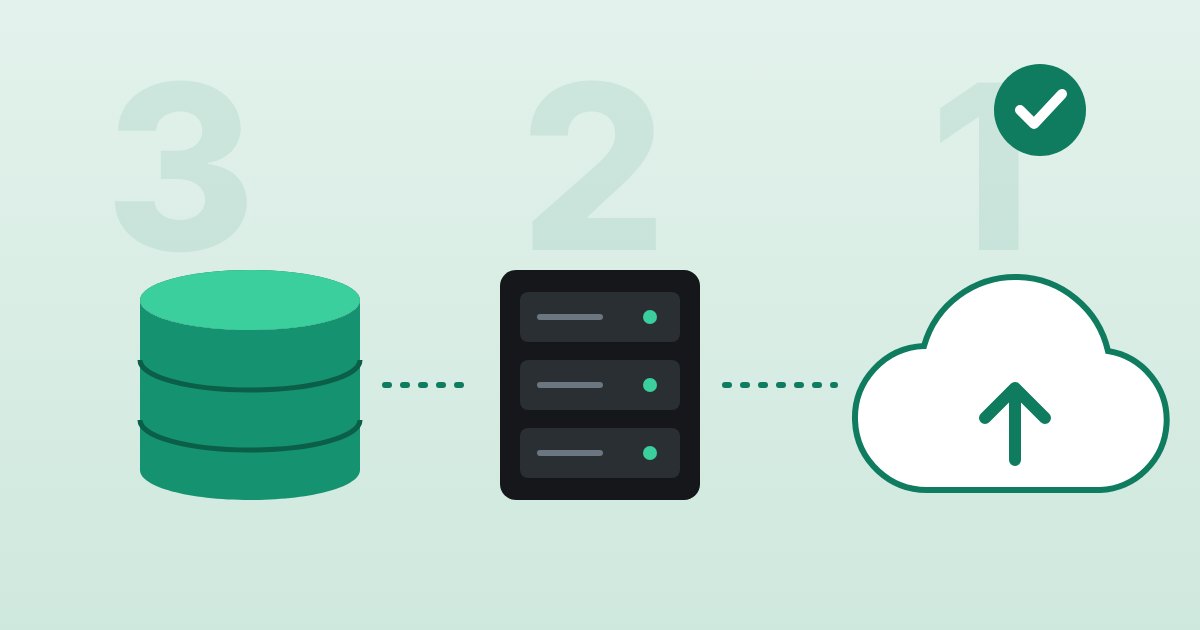
- 3 copies of your data: the original and two backups;
- on 2 different media, for example the server and external storage;
- with 1 off-site, in another location or with another provider.
Why? A backup kept only on the same server as the site disappears with it: disk failure, hack, human error or the end of your contract with the host. Recent recommendations often add a copy an attacker cannot modify, offline or immutable, to withstand ransomware.
How often
The right question: how much work can you afford to lose?
- A business site that rarely changes: a daily backup is usually enough.
- A blog or frequently updated site: at least one backup a day.
- A WooCommerce store: every hour. With a daily backup, a restore can wipe out a full day of orders.
And always take a backup right before a major update or a migration.
How long to keep them
A hack or a mistake is sometimes discovered weeks later. If you keep only the last seven days, every backup may already contain the problem. Keep several restore points over time: recent daily backups, a few weekly ones and a few monthly ones.
The restore test
This is the step almost everyone skips. A few times a year, and after any major change:
- Restore a backup to a test site, never over the live site.
- Check the main pages, the admin area, the forms and, for a store, the products and orders.
- Note how long the restore took: that is how long your site would be offline.
If something is missing, you find out during a test, not during a crisis.
Common mistakes
- A backup plugin that stores its files on the same server as the site.
- Backups that fail silently, for example because the disk is full.
- A single copy, overwritten every night.
- Backups that have never been tested.
- Forgetting that backups contain personal information. Under Quebec’s Law 25, they must be protected and have a retention period. If they are stored outside Quebec, even elsewhere in Canada, your privacy policy must say so.
Questions to ask your host
- How often is my site backed up, database included?
- Where are the copies stored? Is one of them off the server?
- How long are they kept?
- How long does it take to restore my site, and who takes care of it?
At cabana.dev: three backup tiers
Every site is protected by three tiers, each with its own role:
- A full server image, taken by the infrastructure provider. If a server becomes unusable, it can be brought back quickly, with all its sites.
- Backups of each site on the server, to roll back quickly: an update that goes wrong, a page deleted by mistake, a hack whose timing is known.
- Off-site backups at Backblaze, an independent storage provider, for disaster recovery: even if the whole data center disappeared, your sites could be rebuilt elsewhere.
Frequency adapts to the site’s activity, with no extra charge for hourly backups. Hourly backups remain available for one to two days. Daily, weekly and monthly backups then let you go further back in time.
Your data in Canada, on request. The server can be hosted in a Canadian data center, and off-site backups stored in Backblaze’s Canadian region in Toronto. Under Law 25, that is a concrete advantage: your personal information stays in the country, and your privacy policy is simpler to write.
If your site gets hacked, a good backup is often the fastest way back: see My WordPress site was hacked: what to do.
References: WordPress — Backups · WordPress — Backing Up Your Database · WordPress — Backing Up Your WordPress Files · Backblaze — Canadian region.
Backups that actually work?
Three backup tiers, up to every hour, and your data in Canada on request.