Slow WordPress site? Understand server response time
By Pascal Cabana · October 26, 2026 · Performance & hosting
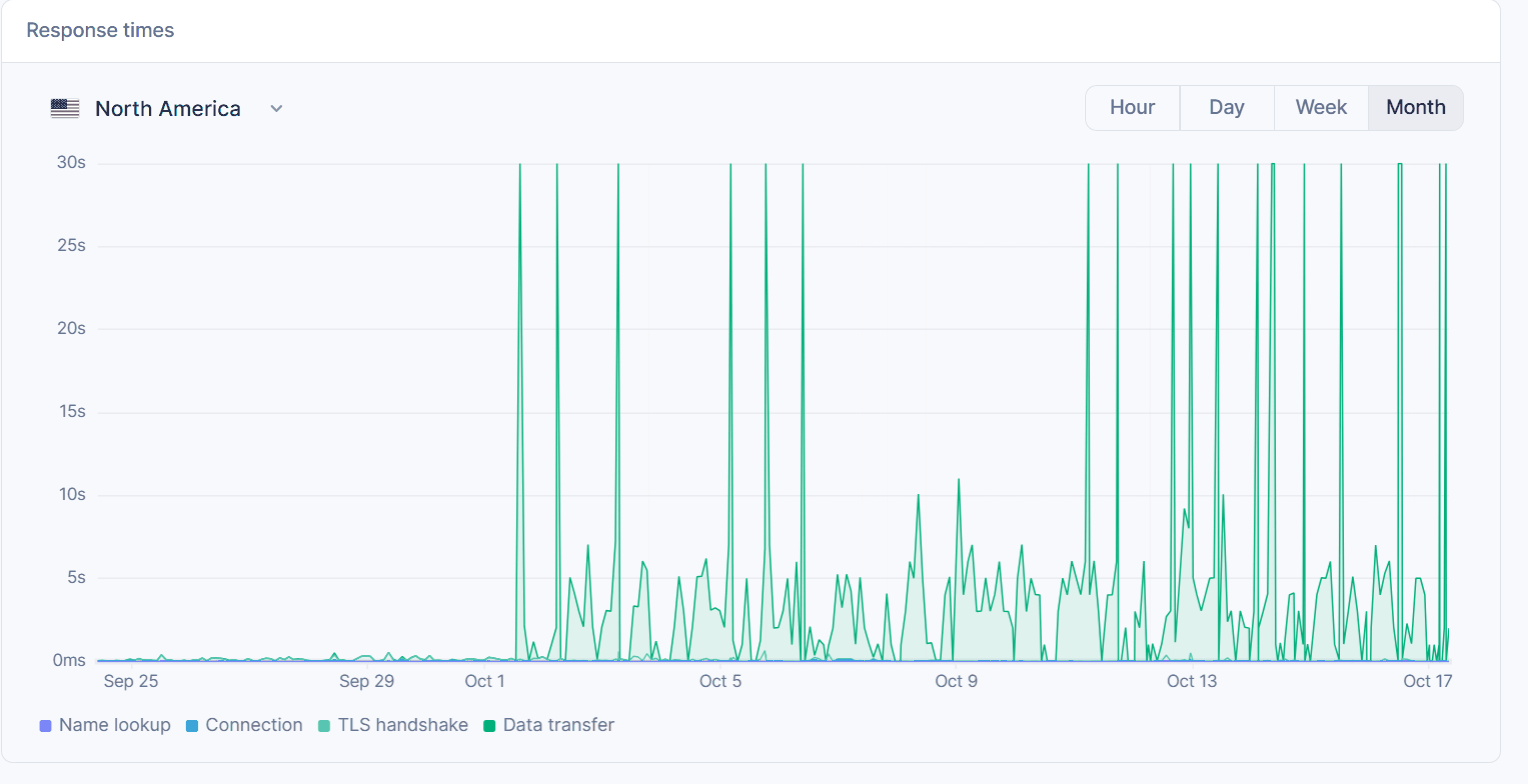
When WordPress feels slow, images and plugins get the blame first. But the server can keep the browser waiting before it sends the beginning of the page.
Response time is not page load time
TTFB (Time to First Byte) describes the delay before the first byte of the response arrives. The network, server and caches can all influence it. LCP (Largest Contentful Paint) reflects when the largest visible content element renders in the browser. Improving TTFB does not automatically fix every other performance metric.
A page may receive its first bytes quickly and still look slow because an image is huge, CSS blocks rendering or too much JavaScript runs. Conversely, a lightweight page can feel slow if the server takes too long to respond.
Common sources of WordPress latency
- Missing or ineffective page cache. WordPress may regenerate the same public page and query the database on every request.
- Expensive plugins or themes. Complex SQL queries, third-party calls and work done on every load add server overhead.
- Database and scheduled tasks. Poor queries and background work can create latency spikes.
- Overloaded hosting resources. Shared CPU, memory and storage may become bottlenecks during traffic spikes.
- Unnecessary redirects. Every extra hop before the final URL can add waiting time.
Measure before you optimize
- Run a representative page through PageSpeed Insights, including mobile, and compare multiple samples.
- Compare cacheable public pages with truly dynamic or private content that must not be cached publicly.
- Identify expensive plugins, slow database queries and third-party calls before blaming the host.
- Inspect HTTP/HTTPS and www/non-www redirects.
- Retest after changes under reasonably similar conditions.
Hosting helps, but it cannot fix everything
Appropriate WordPress hosting can provide page caching, an optimized database and headroom for traffic spikes. It does not replace image optimization, responsible scripts or sensible redirect configuration.
At cabana.dev, I focus on page/object caching, a well-tuned platform and short redirect paths. Redirect Audit helps spot redirect chains and measures response time until headers arrive from Cloudflare. That is not a full browser speed test; use PageSpeed Insights as well for rendering and Core Web Vitals.
If your site still feels slow after optimization, let’s talk about your hosting.
Need reliable WordPress hosting?
Migrations, performance and security, with personal support.