Cleaning a compromised WordPress website: lessons from a real incident
Suspicious administrator accounts, hidden PHP files and code capable of loading remote instructions. Here is how I approached a real cleanup while protecting the website’s data.
Anonymized case study · November 2026. The initial cleanup is distinct from the ongoing investigation and monitoring.
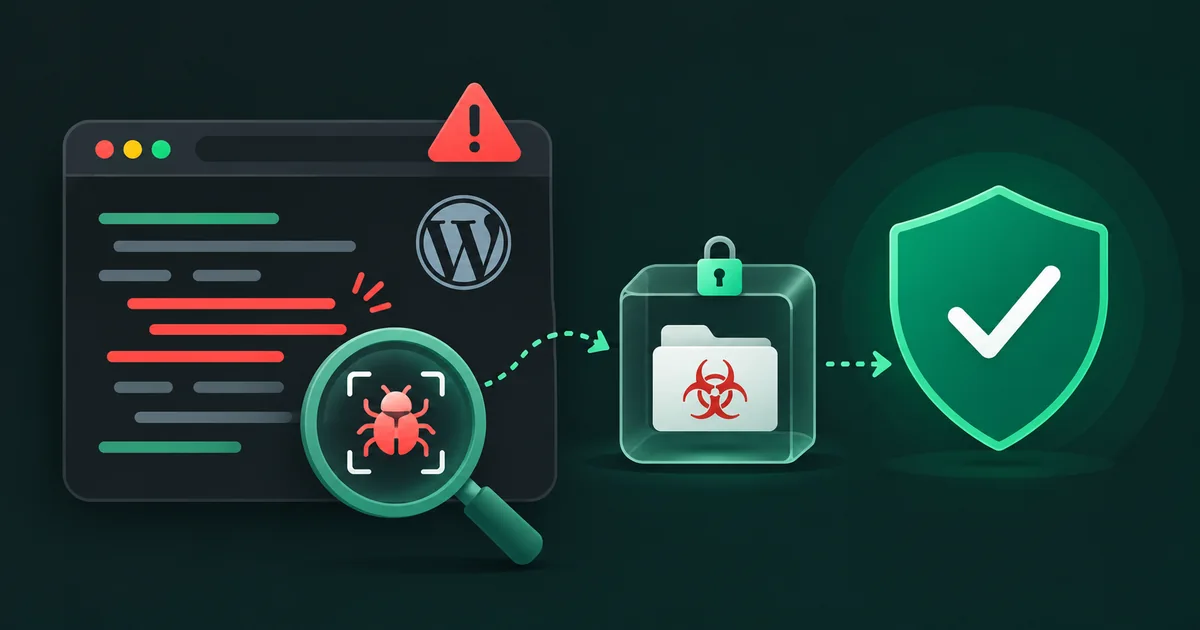
A functioning website is not necessarily a healthy website
A WordPress website can display its homepage normally while hosting malicious code. That is what makes some compromises difficult to spot: there may be no visible defacement, error or outage.
During a recent intervention on a business website, I found unexpected PHP scripts in places where executable code did not belong. Other files had names that could easily be mistaken for legitimate site content.
The most serious indicator was their behavior: some scripts fetched content from an external address and attempted to execute it on the server. This was not merely an outdated plugin or harmless legacy code. The site had to be treated as compromised.
Preserve evidence before changing anything
My first priority was not to delete every suspicious file. I worked to preserve a copy of the site’s files and database, along with relevant evidence from the incident. Even a compromised copy can help explain what happened or recover from an unintended change during the cleanup.
An inventory and file fingerprints also made it possible to document the isolated artifacts without leaving them accessible from the website.
Deleting evidence too quickly can make an investigation harder, and it does not prove that an attacker has lost access.
Malicious PHP scripts in multiple locations
The cleanup revealed more than a dozen suspicious PHP files spread across the installation, including content folders and locations associated with themes or plugins.
Some acted as loaders. Instead of embedding all malicious behavior locally, they could retrieve additional instructions from elsewhere. That is why looking only at the public-facing pages is not enough.
I moved the suspicious files outside the public web directory into a restricted quarantine rather than immediately destroying them. This prevented direct web access while preserving the files as evidence.
I then searched the rest of the installation for known indicators and behaviors, including less visible files and content generated by plugins. A cache containing suspicious code was also preserved before being cleaned.
Four suspicious administrator accounts
The files were only part of the incident. The WordPress account review also identified four suspicious administrator accounts, which were revoked.
Removing malware while leaving an unauthorized administrator account active can allow the attacker to upload new code, install plugins or regain access. A proper response must therefore cover both files and identities.
That includes reviewing users, roles, sessions, passwords, hosting accounts and server access. Resetting legitimate credentials and enabling multifactor authentication are important follow-up measures.
Verify file integrity and modernize the environment
After isolating the suspicious artifacts, I checked WordPress core files against their official checksums. This can reveal changes to the core installation, but it does not inspect every plugin, theme, upload or database record.
The intervention also involved reviewing and updating WordPress, the site’s theme and third-party components, along with moving PHP forward in stages to retain compatibility.
Older sites require particular care: an abrupt upgrade may break layouts or essential features, so important pages and plugins need to be checked throughout the process.
What the post-cleanup checks showed
After quarantine and corrective work, checks searched for the known malicious indicators, examined selected configuration files, verified WordPress core consistency and confirmed that the website still responded.
A working homepage and the absence of the specific indicators found earlier are encouraging. They do not prove that every possible persistence mechanism has been eliminated. A single scan cannot guarantee that all unauthorized access has been found.
Further work includes reviewing available logs, verifying all access paths, inspecting remaining third-party components and monitoring for unexpected changes. The initial entry point should not be attributed to any specific cause without evidence.
The most important lesson
Cleaning a WordPress compromise is not simply a matter of installing a security plugin and clicking “Clean.” It is a structured process: protect the data, identify suspicious artifacts, isolate them, regain control of accounts and review the rest of the installation.
It also underscores the value of preventive maintenance: current software, limited permissions, tested backups, monitoring and a way to recover into a trusted environment.
The real goal is not merely to make the homepage work again. It is to reduce the risk of the same incident happening twice.
What if your WordPress site may be compromised?
Avoid deleting files blindly or restoring a backup without first preserving evidence. Document the symptoms, secure access and establish a recovery plan suited to your hosting setup.
For general steps, see my guide: WordPress site hacked: what to do, step by step.
The official WordPress documentation also recommends documenting incidents, reviewing accounts, backing up before cleanup and investigating persistence.
Concerned about your website’s security?
Assessment, maintenance, updates and help recovering from incidents.