WordPress + Cloudflare: modernizing AQCAMO without rebuilding everything
For AQCAMO, I kept WordPress for the website and member accounts, then built dedicated tools for medications and training. Here is the reasoning.
Case study · November 2026. Some services continue to evolve.
To learn more about the organization and its resources, visit AQCAMO’s official website.
Keep WordPress where it is useful
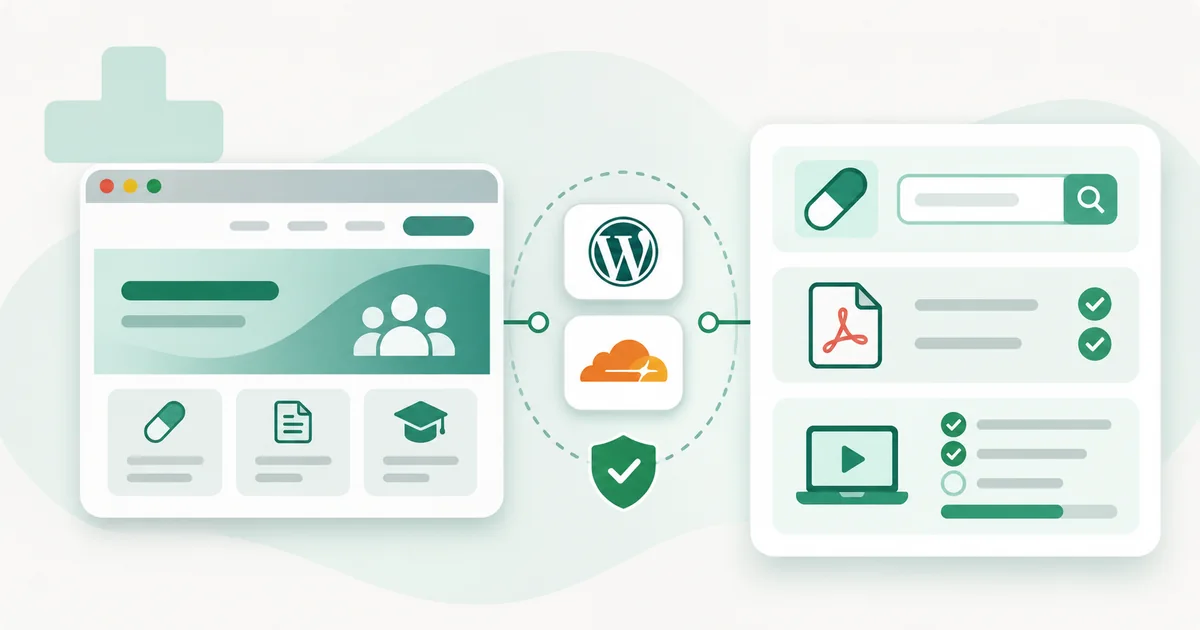
In another article, I explain why cabana.dev no longer uses WordPress. For AQCAMO, I made a different choice: keep it for the public website and member accounts, then build applications for documents and training.
The website needs bilingual content, information about the association and membership management. WordPress handles those jobs. Replacing it would have added account migration and rebuilt user journeys without directly addressing the document workflow.
Start with the work people need to do
I started with practical situations: finding a medication, replacing a form in both languages, processing a request affecting several records and seeing how far a participant has progressed through a course.
Each task has specific rules. One PDF may serve several medications; a request may take more than one work session; a historical training record must not be assigned to the wrong account. Those rules shaped the tools I built.
Workers, D1 and R2: a role for each
The applications use three Cloudflare services. Workers runs the logic and checks permissions. D1 holds structured records. R2 stores documents.
| Component | Role in the project |
|---|---|
| WordPress | Public pages, bilingual content, memberships and member identity |
| Workers | Application requests, access checks and workflow processing |
| D1 | Medications, document associations, history and learning progress |
| R2 | PDF files used by the applications |
This lets the document tools evolve without rebuilding the association’s public pages.
Why searching feels faster
Finding a medication does not require loading its form. The first job is to retrieve a record using a name, a drug identification number (DIN), or a company.
The Worker queries D1 and returns results without the usual WordPress page and plugin processing. The PDF stored in R2 is retrieved separately, when an authorized member opens it.
The main improvement comes from focused searches and request handling. R2 stores the files; it is not a search engine. The workflow has felt noticeably smoother during project testing. I am not claiming a percentage improvement: that would require repeatable measurements on both systems.
One account does not mean identical permissions everywhere
WordPress remains the source of identity. The connections between the website and the applications are designed so approved members do not need a second registration.
Each application still needs server-side authorization. Reading a restricted form, following a course and using management tools involve different permissions. Hiding a button in the interface is not enough to protect a resource.
Plan for the next PDF update
The job does not end when a file is uploaded. I built support for replacing or merging documents, associating them with the relevant medications and keeping a change history.
Once a document becomes the current version, it needs to be available for the next update request. Languages and document categories remain distinct so an enrolment form is not confused with supporting information.
Bring training records along carefully
The course adapts content previously hosted in LearnDash: an introduction, twelve modules, presentations and quizzes. The new platform handles results, step unlocking, attempts and the final certificate.
Historical records require an additional check. A numeric identifier can refer to a different person after a WordPress migration. Matching learning history to authorized accounts must therefore be controlled; complete preservation still needs verification for each record.
Prepare for launch and for a rollback
The code is versioned in GitHub, with automated tests and build checks. Preparation environments allow user journeys to be tested before opening access to members. Actual data separation and production configuration remain part of the launch checks.
Backups and recovery procedures are also part of the project. Reverting code must not overwrite progress or document updates recorded since. Links, redirects and public-page indexing require their own checks.
What I take from this project
WordPress remains useful for content and member accounts. Custom applications handle tasks that need their own records and workflows. That fits AQCAMO’s needs; another organization might be well served by staying entirely within WordPress.
See the AQCAMO project from the members’ and coordinators’ perspective →
Need your website to grow without starting over?
Let’s explore ways to modernize your existing platform.